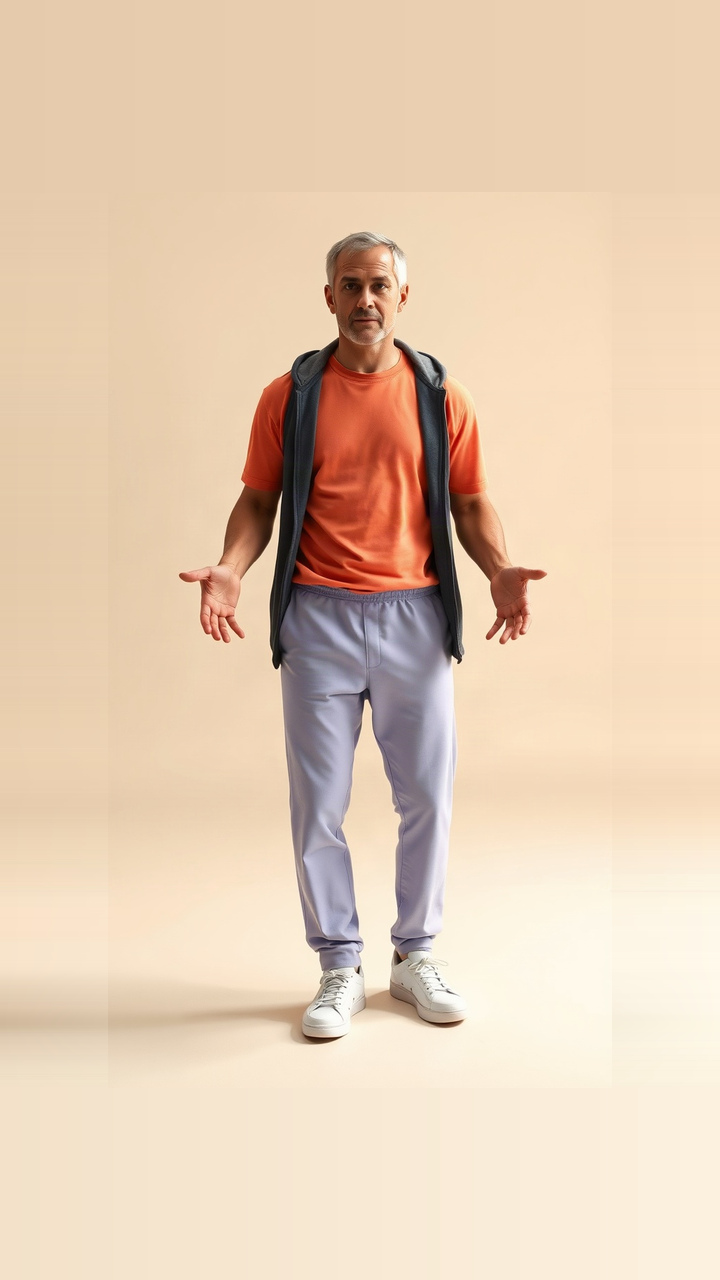
 Input photo3s
AI DANCE FLOW
AI dance templates
Explore everyday dance ideas, trend-inspired performances and a few extra effects. Each template explains its movement, input requirements and preview status.
DANCE TEMPLATES
Find a dance. Make it yours.
Play a preview, compare the movement, and use a template in the studio.
Filter & search All subjects+
14 templates
Input photo3s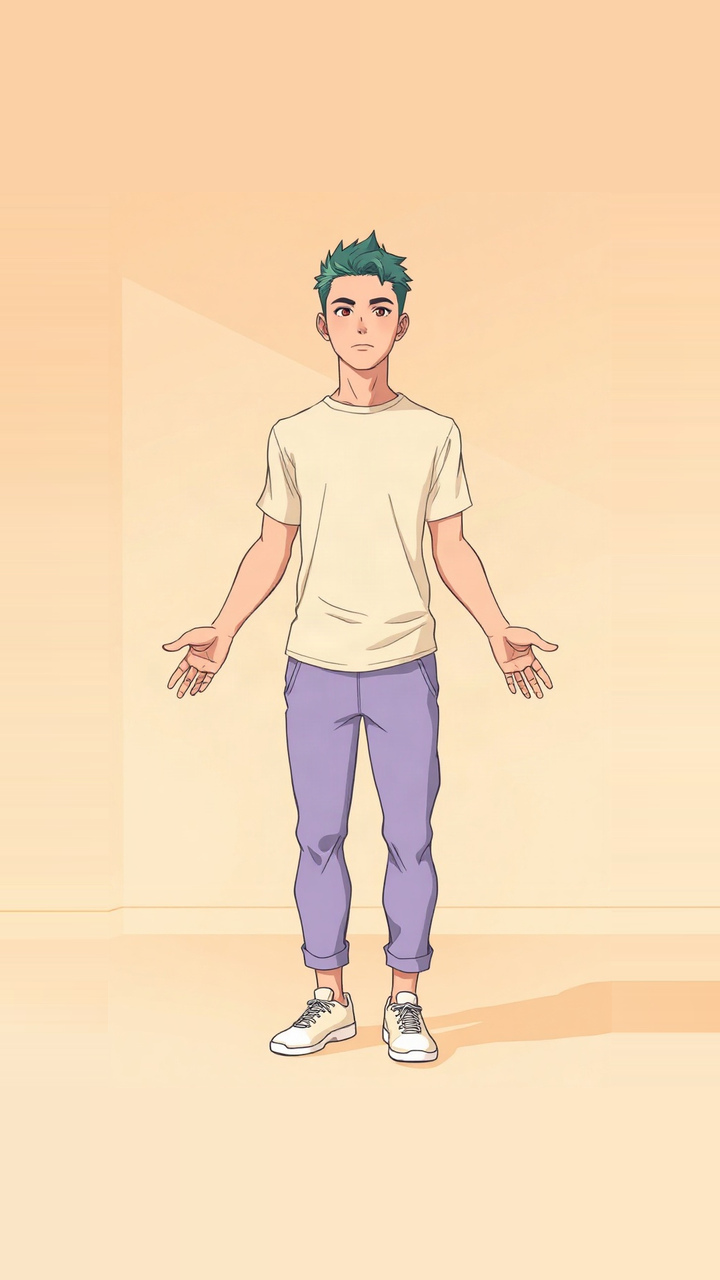 Input photo3s
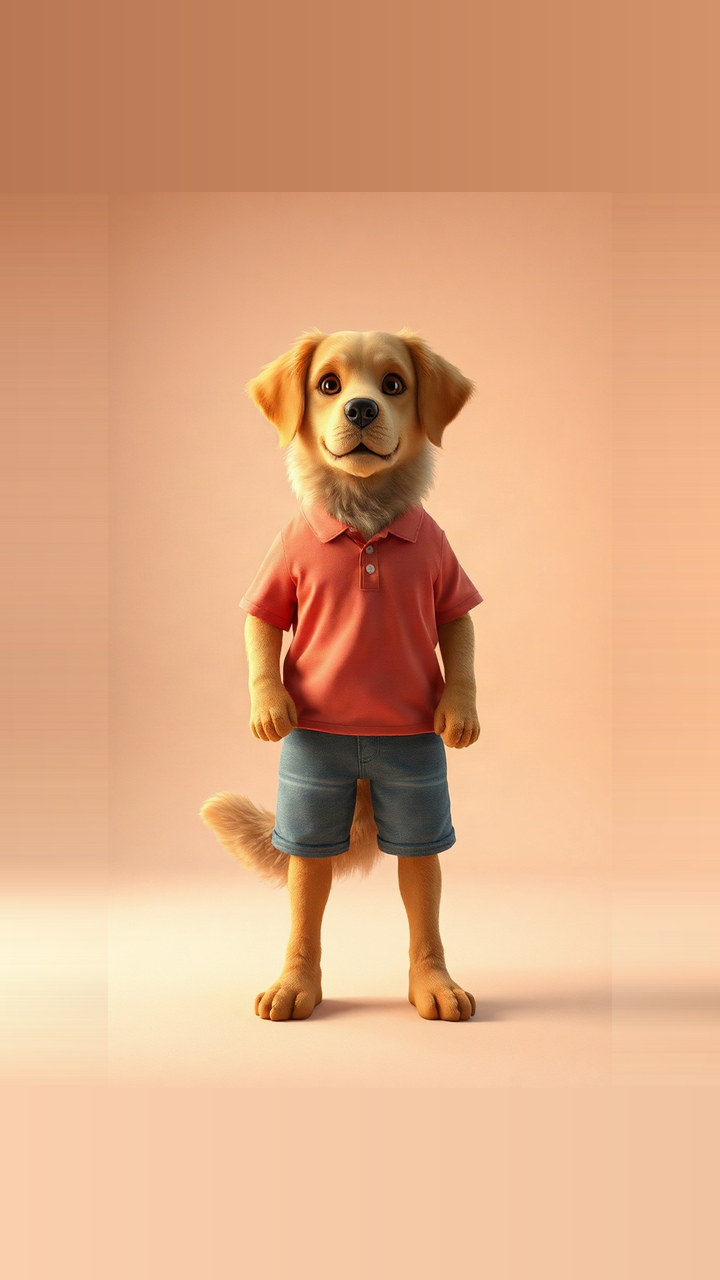 Input photo3s
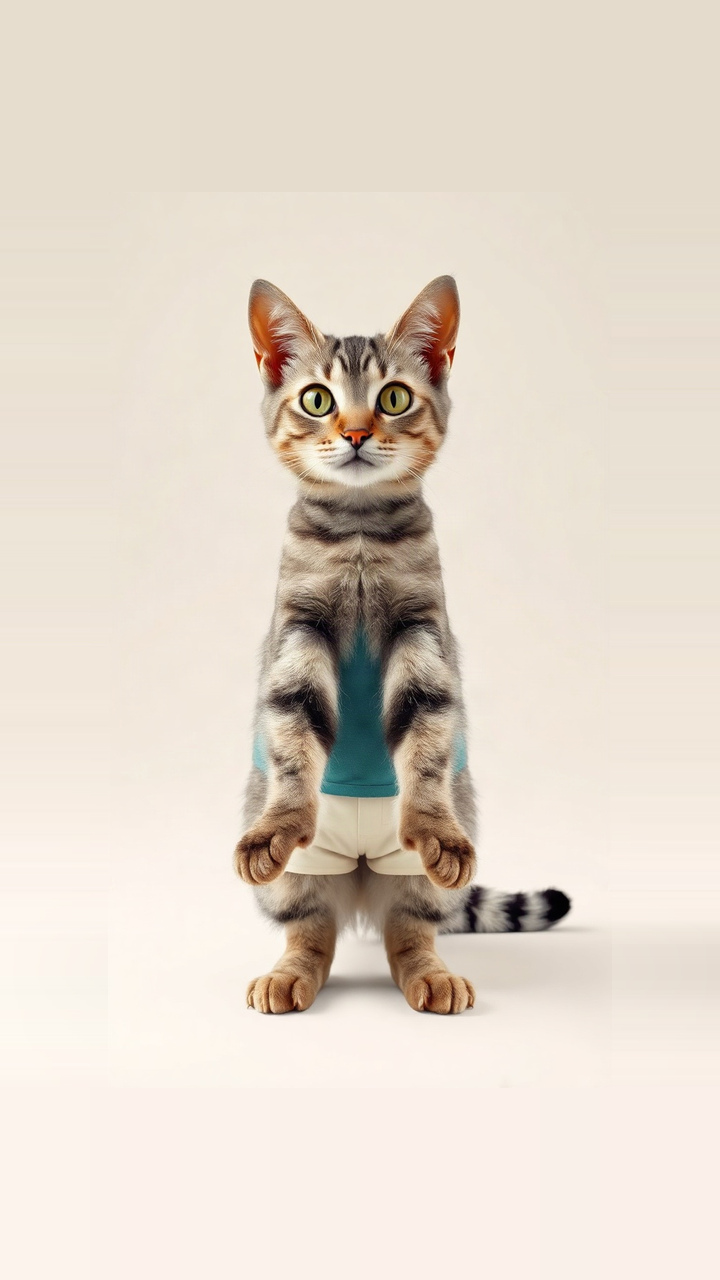 Input photo3s
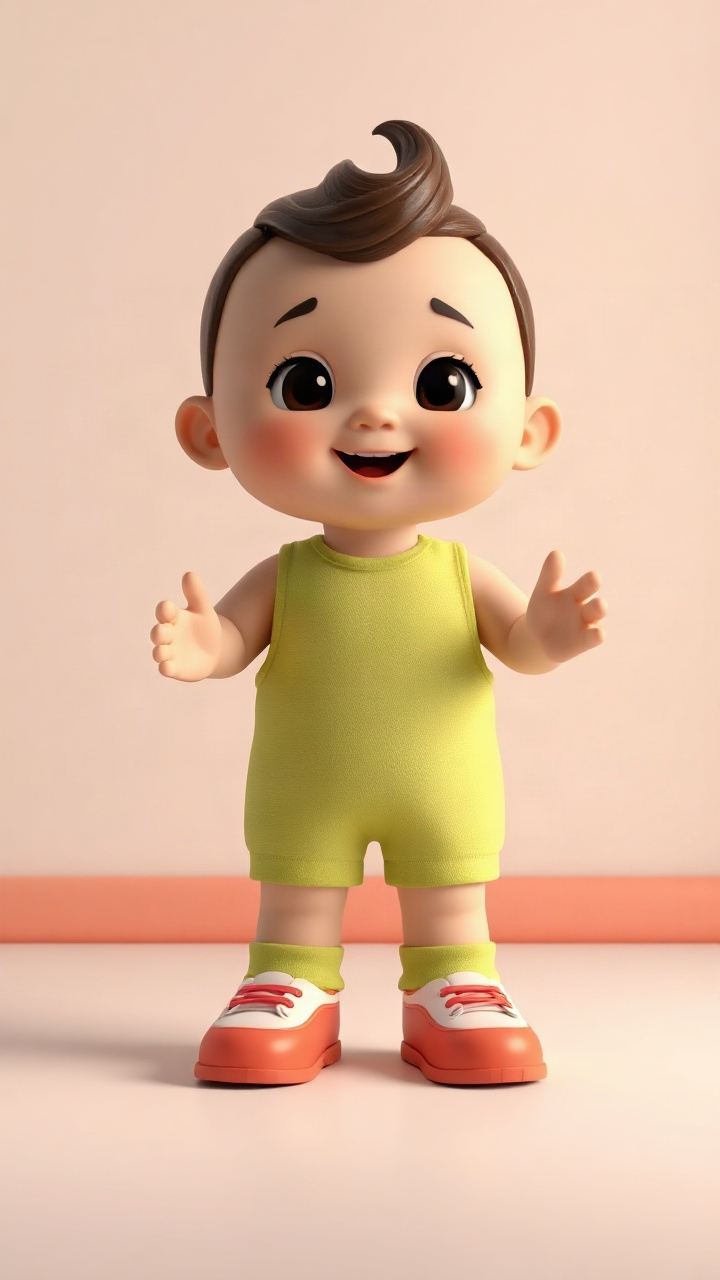 Input photo6s
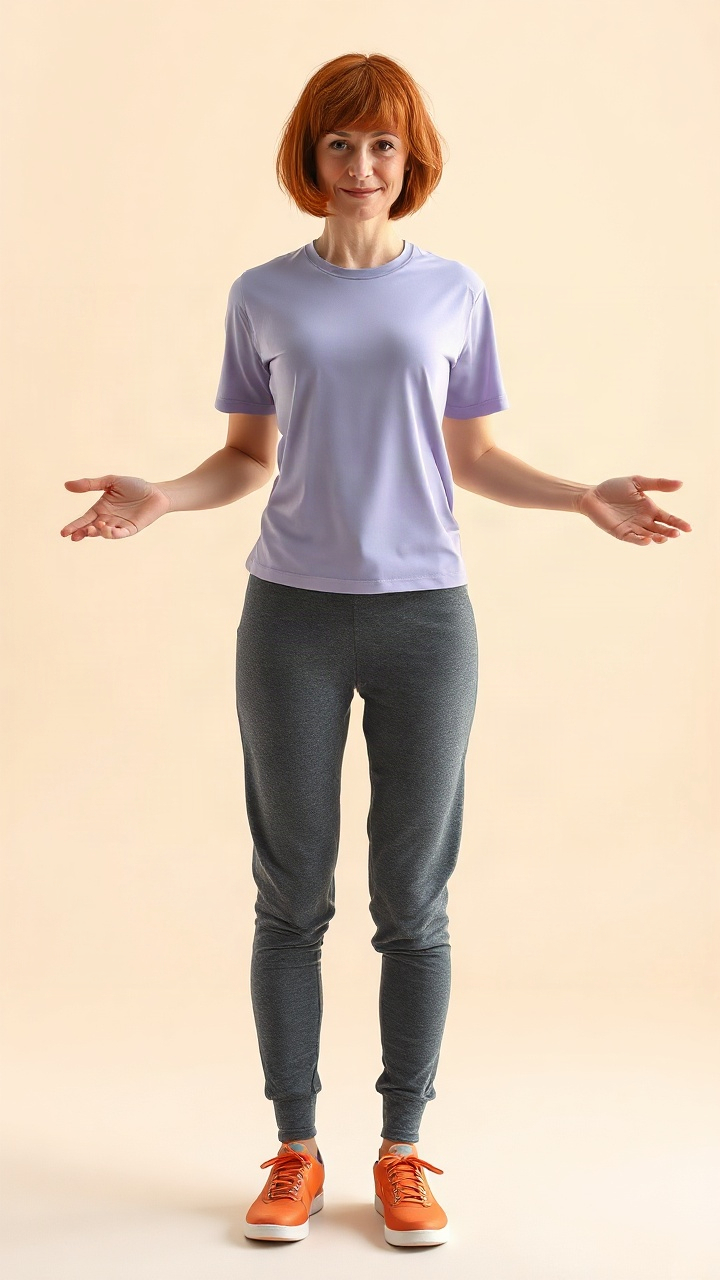 Input photo8s
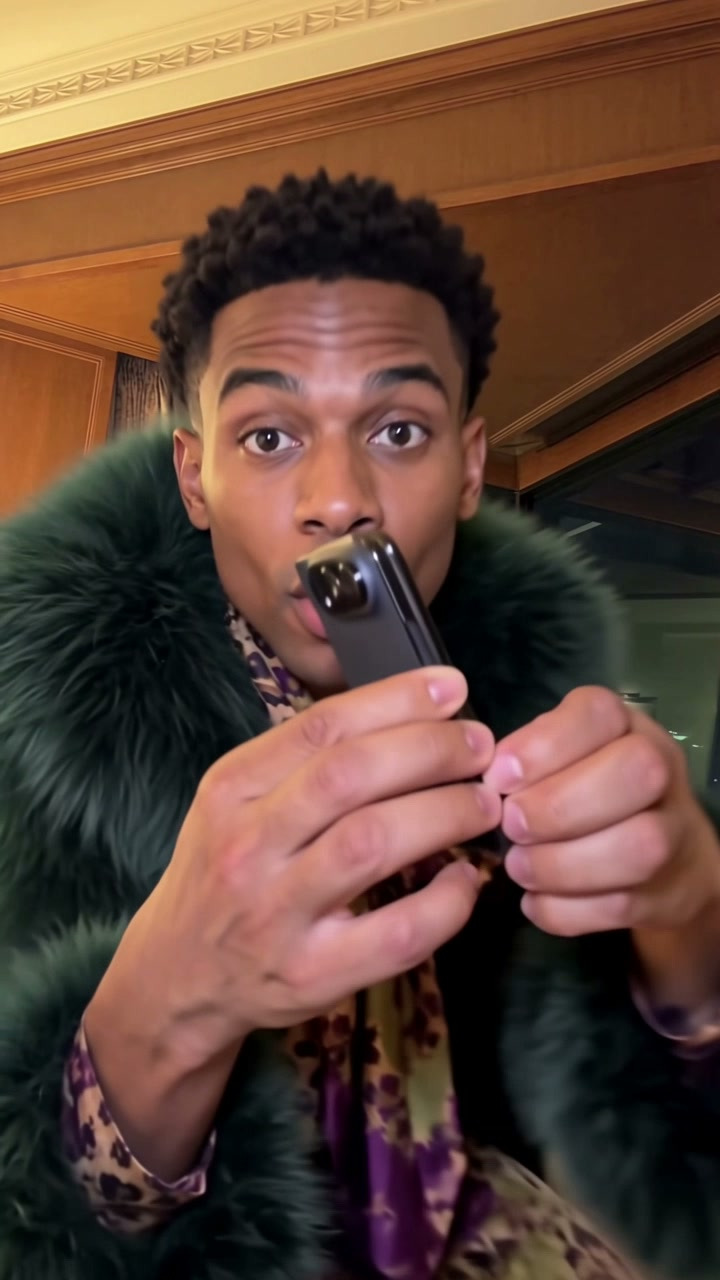 Preview cover15s
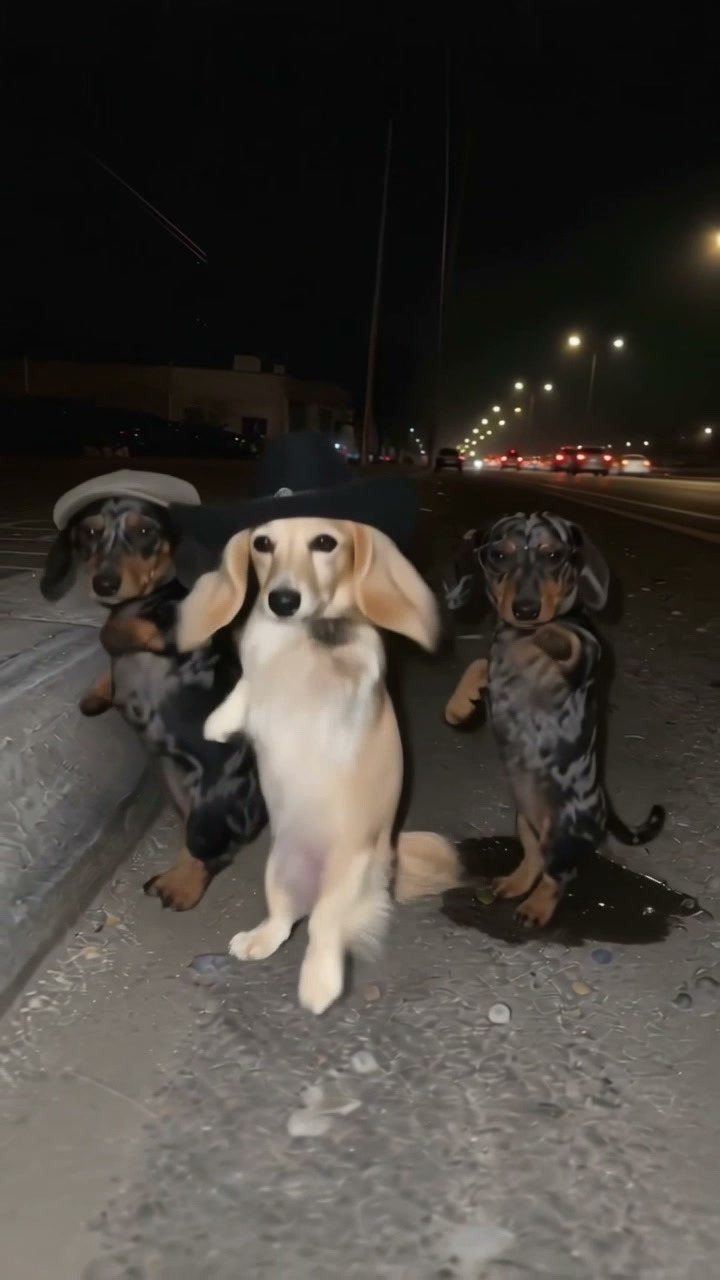 Preview cover14s
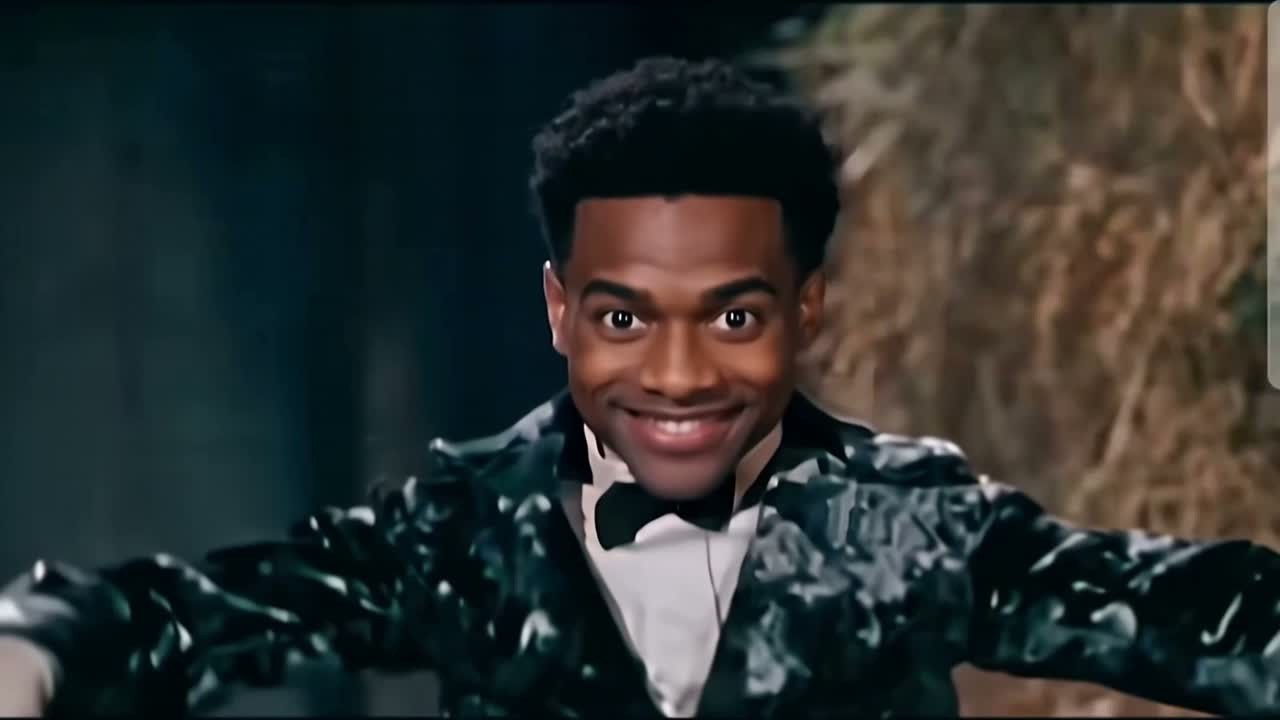 Preview cover9s
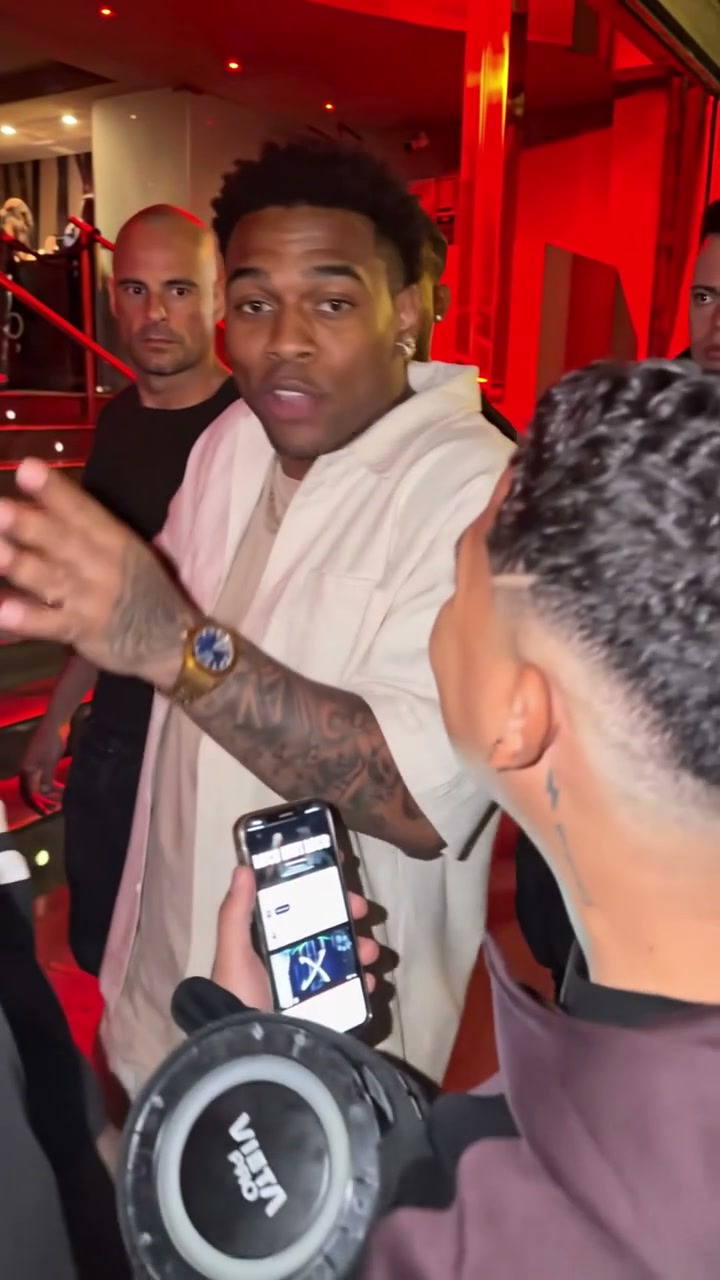 Preview cover8s
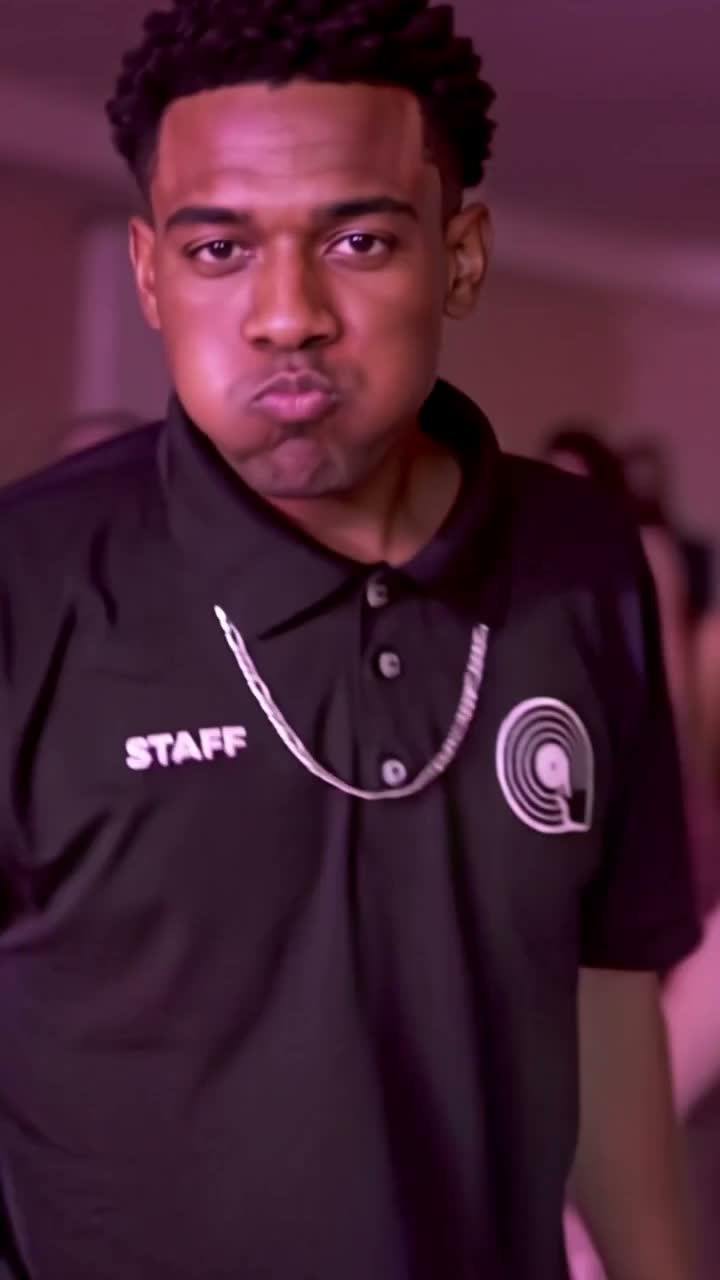 Preview cover9s
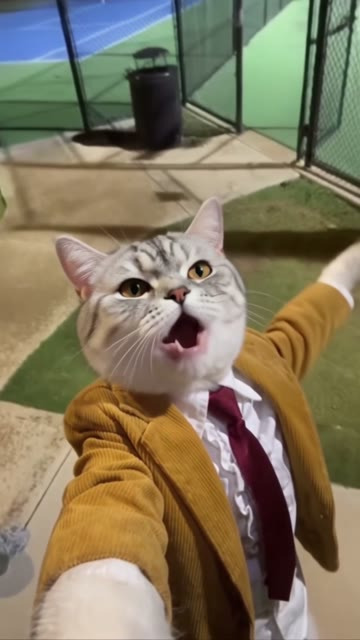 Preview cover10s
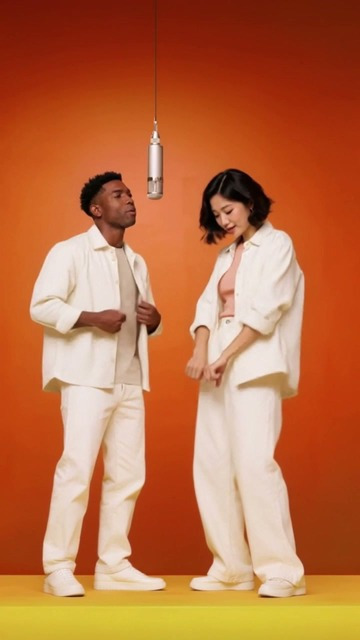 Preview cover15s
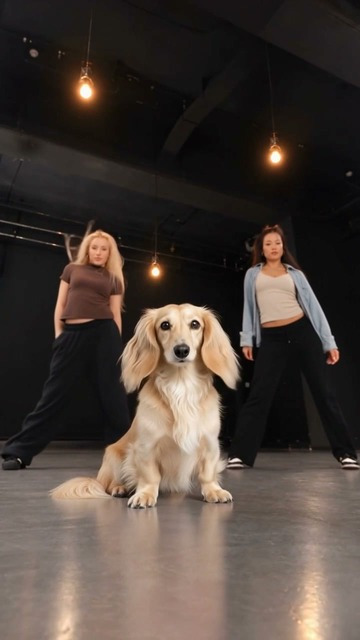 Preview cover15s
No matching templates.
Looking for a named routine? Open Trending dances. The singing-cat effect is marked separately from dance routines.
How does an AI dance generator work?+
A character image provides the appearance, while a reference video provides the movement. Choose a prepared dance or upload your own clip, review the cost, and send the request. The result is an MP4 video.
What kind of photo should I use?+
Start with a clear image of one subject. A full-body, front-facing photo with hands and feet visible gives the model more information. JPG, PNG and WebP images are accepted up to 10 MB. Avoid blur, heavy cropping and overlapping people.
Can I upload my own dance video?+
The custom-reference workflow accepts MP4 and MOV. The actual submitted clip must be within the selected model’s duration limit. Trimming is available when the server’s video processor is configured.
How many credits does a video use?+
Prepared templates show a fixed cost. Custom motion uses the displayed per-second rate and the actual reference length. You see the total before submitting.
Will it look exactly like my photo?+
Results vary. Fast movement, side profiles, loose clothing and crowded scenes can change faces, hands or proportions. Review the entire clip before sharing.
What happens if generation fails?+
Credits are reserved when a request starts. A confirmed technical failure releases them. If submission is uncertain, the task stays pending while the outcome is checked, so you should not submit it again.
EXPLORE THE DANCE LIBRARY